
AI alt text WordPress task isn’t hard to make, not really… It’s just hard to keep making it, you know.
When a WordPress site is small, adding image descriptions, or ALT text, feels like normal publishing. You upload the picture, you type a short sentence, and you keep going. Still, as the Media Library gets bigger, that whole habit is usually the first thing to drift out of place.
Images get posted sooner than the descriptions get written. Older posts don’t get revisited, or not often. So the accessibility gaps stack up bit by bit, not because site owners don’t care, but because the workflow just doesn’t scale the same way.
AI Alt Text WordPress Actually Matters for SEO and Accessibility
Alt text, or alternative text, is basically a brief description tied to an image. Its main job is accessibility.
People who use screen readers might lean on alt text so they can sort out what’s in the picture, or at least why it’s there, kinda. When an image actually has meaning, but the alt text is empty, then a slice of the page’s meaning sort of vanishes. And yeah, that’s not ideal.
It also does a thing for search engines, because it helps them understand the image and how it connects to the text around it. Still, accessibility should lead the way. Also, adding alt text only to stuff in keywords can make the user experience worse, not better, even if it sounds “SEO-ish”.
Try thinking of it like this: imagine you have a WordPress security post, and it includes a screenshot of a plugin settings page, right?
A weak ai alt text example might be:
“WordPress website screenshot.”
A better one might say:
“WordPress security plugin settings page showing firewall configuration options.”
That second line gives someone real context, especially if they can’t see the screenshot.
The Real Test: AI Alt text wordpress vs Human Alt text
AI can sound really confident when it talks about an image, but uhm, does it actually nail the details right? I mean, the only way to check is to run it through different kinds of pictures, and then you see, kinda fast, where the gap between “good enough” and actually usable starts to show up.
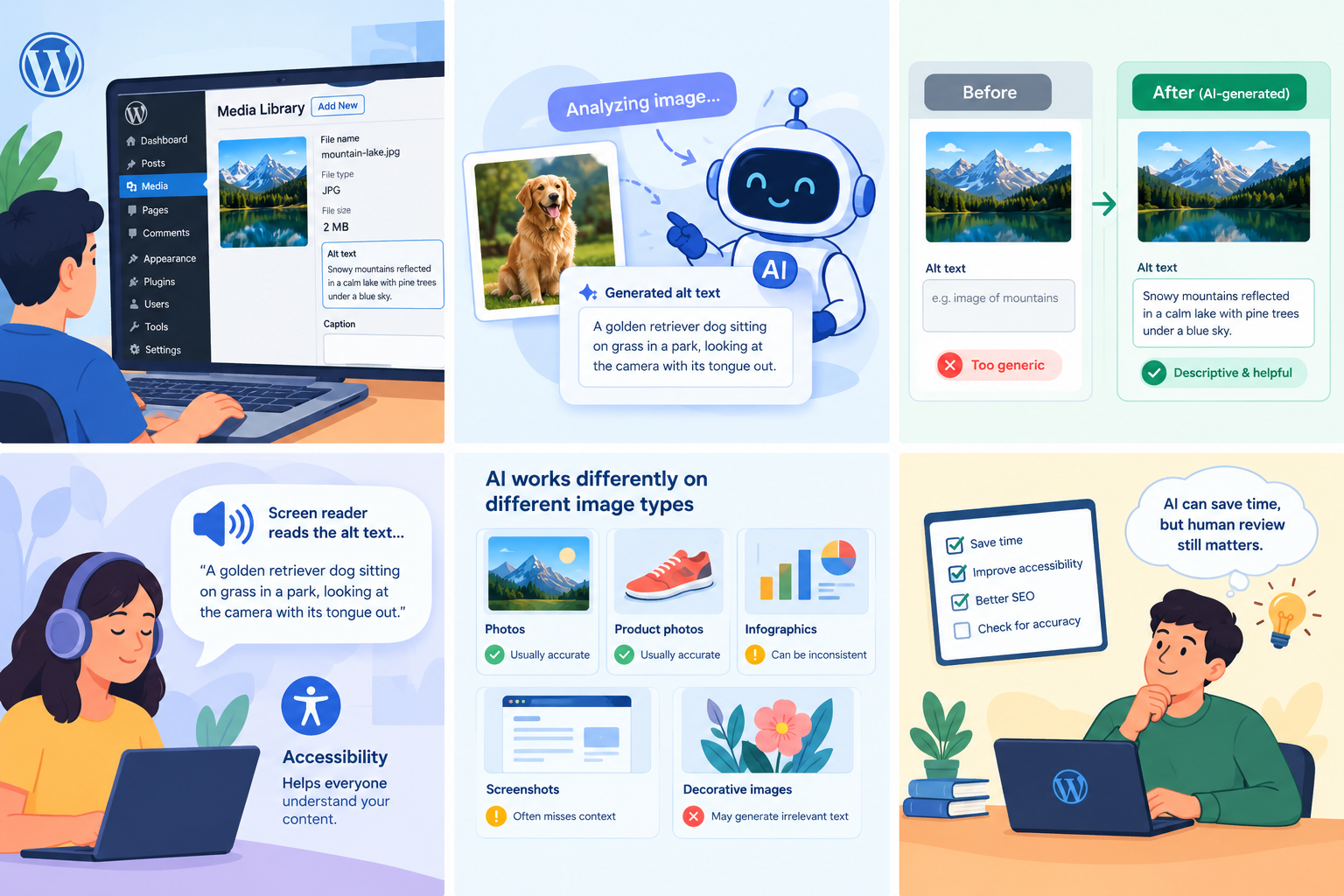
Like, a plain photo might be pretty easy for AI to describe, but a screenshot or an image that depends on surrounding text usually needs more understanding.
A solid test should include, at minimum, four image categories:
- Context-heavy images
- Decorative images
- Screenshots
- Product photos
The goal isn’t just “can AI name objects?” The bigger question is whether the alt text explains why the image matters on that specific page.
Context-Heavy Images
Context-heavy images are tricky because the meaning is tied to what’s nearby in the article.
Imagine an article about improving WordPress conversion rates, and it includes a photo of someone reviewing analytics.
AI alt text might generate:
“A person looking at analytics on a laptop.”
Sure, that’s not totally wrong. But a human writer who actually understands the article could describe the image’s role more accurately. AI may spot what’s visible, but it usually doesn’t grasp the author’s intended message in the same way.
Decorative Images
Decorative images add another hurdle for automatic alt text in WordPress systems.
Some images are purely for visual design. They don’t provide the information users need to understand the page. But AI might still write something detailed, even when it’s unnecessary.
For example:
“Blue abstract waves with a gradient background.”
That’s descriptive, yes, but for a screen reader user, it may be noise. In those cases, adding an unnecessary description can make the page harder to navigate, not easier.
Sometimes the best approach is to treat the image as decorative and not force AI alt text into every single image field.
Screenshots
Screenshots are especially interesting.
AI might recognize “this is a website” or “this looks like a dashboard,” but recognizing the broad idea isn’t always enough.
For instance, the ai alt text might say:
“A computer screen displaying a website dashboard.”
But the tutorial might actually be showing a specific WordPress setting or a particular option that’s central to the whole point.
Good alt text should focus on what the screenshot is communicating in that context, instead of just saying “screen exists.”
Product Photos
Product images are often easier for AI because the visual purpose is straightforward. AI can usually identify the product, its general shape, and sometimes where it appears in the scene or what it looks like overall.
Still, product descriptions often need a human review. AI can misread model names, colors, features, or small details that aren’t obvious from the image alone.
For e-commerce sites, incorrect alt text can create accessibility problems and maybe even mislead people, which is not the direction you want to go.
Where AI Alt Text Actually Works Well
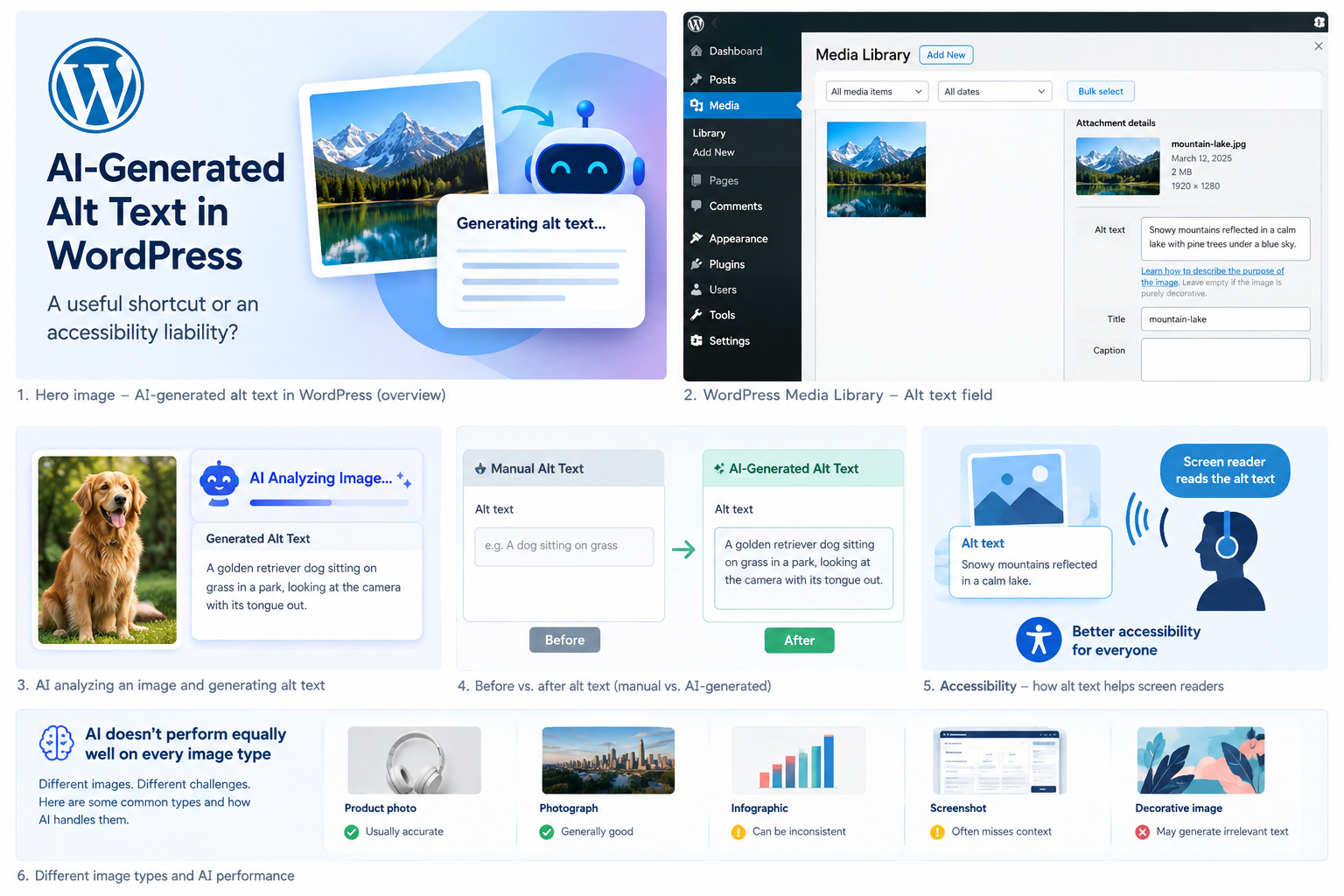
An AI alt text plugin can be genuinely helpful, especially for sites with huge image libraries. AI is most useful when:
The images have clear visual subjects
There are tons of images needing initial descriptions
Existing images are missing alt text
Content teams need quick suggestions
Editors want to reduce repetitive work
The main win is efficiency.
Instead of writing every description from scratch, an editor can review what AI suggests and then fix it when needed. So AI becomes more of a productivity helper, not some “publish it automatically and hope” machine.
At the end of the day, AI can speed things up, but humans still need to be the final filter.
Frequently Asked Questions (FAQs)
